
How Fake Browser Extensions Can Empty Your Crypto Wallet
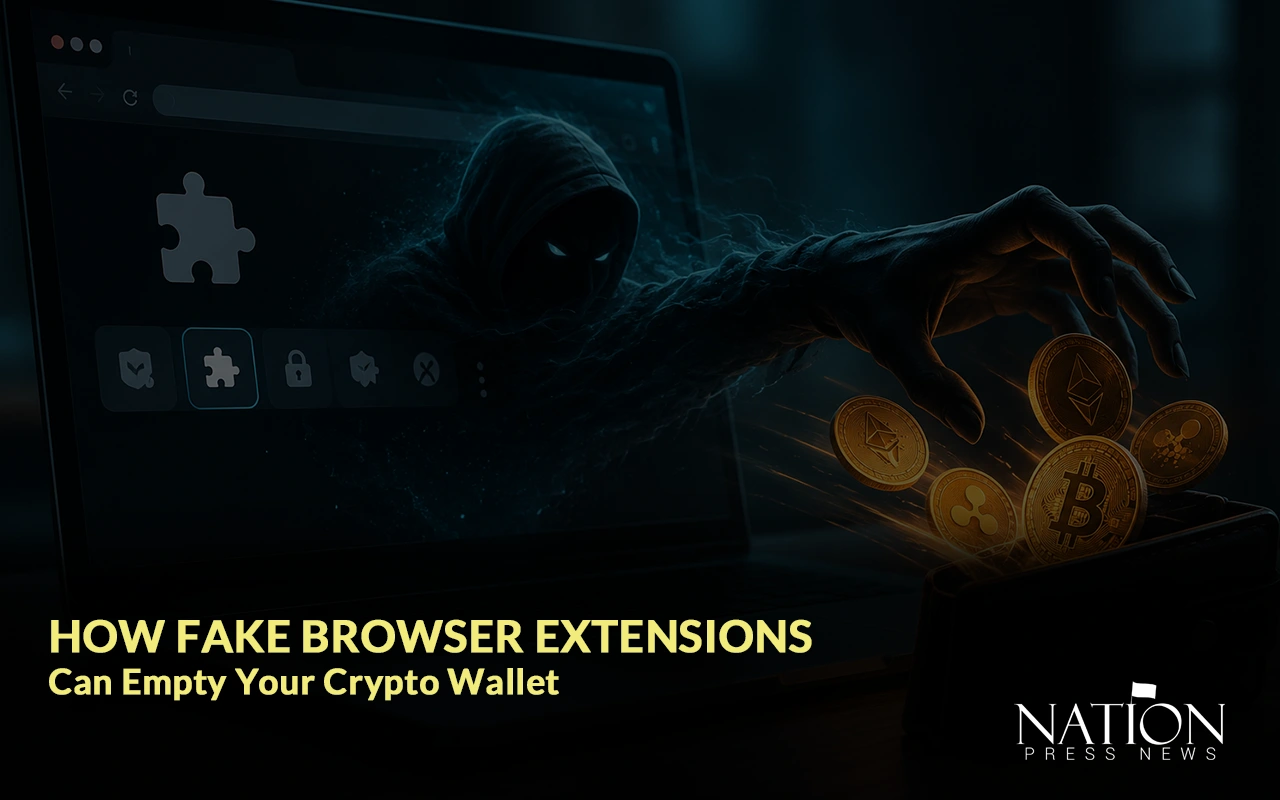
You install one “helpful” extension to check gas fees or track prices. A week later, your wallet is empty. Here’s how it happens, and why most people never see it coming.
The Extension Looks Completely Normal
That’s the whole problem.
Fake crypto extensions don’t look like scams. They look like the real thing- a portfolio tracker, a MetaMask “helper,” something that promises to shave a few dollars off your gas fees. Some copy the exact name, logo, and description of a legitimate extension. Five-star reviews included.
You install it in ten seconds, forget about it, and move on with your day.
Which is exactly the point.
What’s Actually Happening Behind the Scenes
Every extension asks for permissions when you install it. Almost nobody reads them. Honestly, why would you? Who has time to parse a permissions list for a free tool that’s supposed to just track prices?
But a malicious extension, once you’ve said yes, can quietly:
- Read everything on the page. The address in your wallet. Your seed phrase, if it’s ever displayed on screen. Anything you copy or paste.
- Swap wallet addresses on the fly. Say you copy a friend’s address to send them funds. The extension quietly replaces it with the scammer’s address before you paste it in. You don’t notice, because the first few characters still line up.
- Inject fake pop-ups. A “connect wallet” window that looks identical to the real MetaMask prompt- except it’s capturing your seed phrase the second you type it.
- Watch your clipboard. Some extensions just sit there for weeks. Waiting for a transaction big enough to be worth acting on.
None of this requires breaking into your wallet. It just needs you to trust the extension enough to leave it installed.
This Has Happened More Than Once
This isn’t some rare, one-off incident either. Security researchers have flagged dozens of fake wallet extensions on official browser stores in the last couple of years- some racking up tens of thousands of downloads before anyone caught on.
And these things tend to come in waves. A scammer publishes several near-identical extensions under slightly different names, so even after one gets reported and removed, two or three more are still sitting there, live.
Why It’s So Hard to Catch
The old warning signs just don’t apply here.
There’s no sketchy email. No broken grammar. Nothing that screams “scam.” The extension might genuinely do what it says- track your portfolio, calculate your gas fees- while quietly doing something else entirely in the background.
Even the extension stores aren’t much help. When no one is looking, a malicious extension can get past its first review, accumulate legitimate downloads, and then release a dangerous update months later. By the time it’s flagged and pulled, thousands of wallets have already been exposed.
And here’s the part that makes it worse than most scams: once your seed phrase or private key is out there, that’s it. There’s no bank to call, no chargeback, no fraud department. Whoever has it can move your funds instantly, and it’s gone.
A Few Things Actually Worth Doing
You’re not going to catch every fake extension by eye. But a few habits genuinely help.
- Check who published it, not just the name. Look at the developer, how long they’ve been around, and whether their other extensions look legitimate. Copycats often use a near-identical name attached to a brand-new developer account.
- Be wary of “too convenient.” If a price tracker is asking to read and change data on every site you visit, that’s more access than it actually needs to do its job.
- Never paste a wallet address without checking it. Compare the first and last few characters against the original before you confirm anything. Clipboard-swapping malware counts on you not looking twice.
- Keep your seed phrase off your keyboard, period. No legitimate extension will ever ask you to type it into a pop-up. If one does, you already have your answer.
- Go through your extensions every so often. If you don’t remember installing something, or you stopped using it months ago, just remove it.
- For anything significant, use a hardware wallet. It won’t stop every scam out there, but it does mean a compromised browser can’t move your funds without a physical confirmation on the device itself.
The Bigger Picture
Crypto scams keep changing shape, and browser extensions have quietly become one of the more effective ways in. There’s rarely a dramatic moment where you realize something’s wrong- just a normal-looking icon sitting in your toolbar, doing exactly what it was built to do.
The fix, luckily, isn’t complicated. It’s really just a habit: check before you install, check before you paste, and check again before you hand anything access to your wallet.
Because in crypto, there’s no undo button. The best protection is never needing one.